


.svg)
See What Izzy Is Doing, Right Now
Real-Time Monitoring shows you Izzy's activity as it happens. Every message, sale, escalation, and status change appears the moment it happens, so you always know what she's doing and why a chat was or wasn't answered.


.png)
What the feed shows you
Every event, the moment it happens
Messages received and sent, sales and tips, status changes between online, paused, and off, chat escalations, low-credit warnings, and any state change someone on your team made by hand. It streams in real time rather than refreshing on a schedule.
.png)
.png)
An answer instead of a guess
When a chat looks unanswered, the feed says why. Each entry gives the reason in plain words — paused by schedule, escalated, credits low, switched off by a team member — with the exact time. It's the first place our own support team looks, and it's the same view you have.
All creators, or one at a time
The feed defaults to every creator in the workspace, grouped under Today, Yesterday, and each dated day before that. Switch the picker to a single account when you're investigating one page, and the same grouping applies. It holds the past seven days, then tells you you've reached the end.
.png)
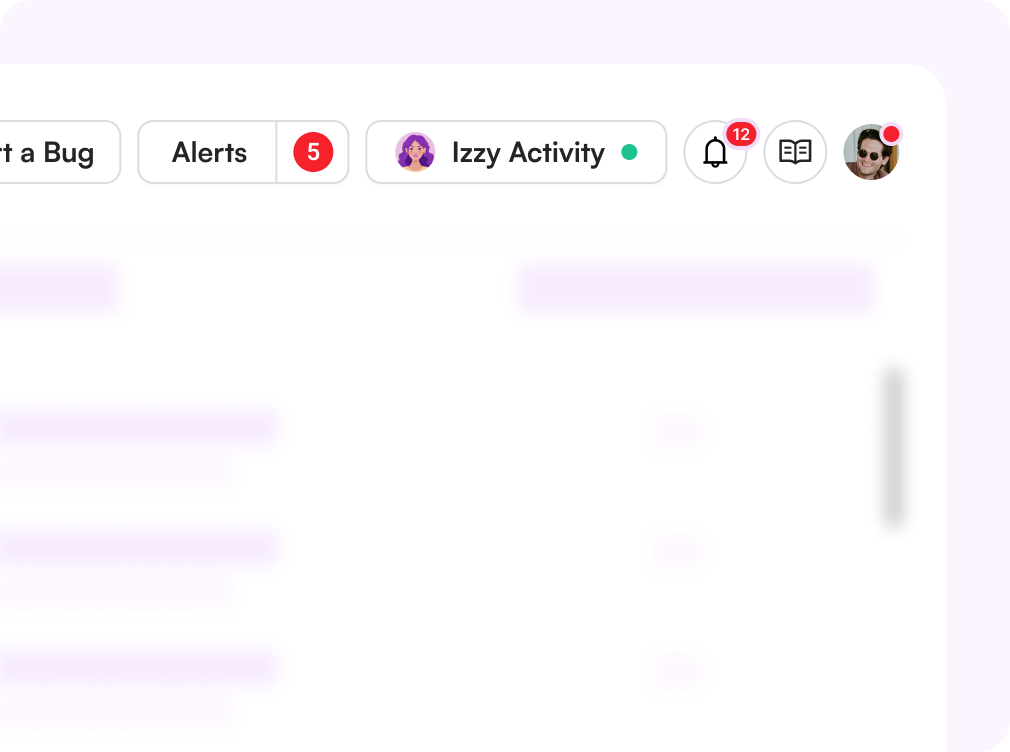
Her status follows you around the console
You don't have to sit on the feed to know she's running. The status card in the sidebar shows Izzy's current state on every page, animates when something happens, and reveals the last three events on hover. Open the full feed when you want the whole picture.

Challenges solved by real-time monitoring
Handing the inbox to an AI is a leap of faith
Nothing happens off-screen
Every action she takes is visible as it happens, which is how trust in an automated chatter actually gets built.
"Is Izzy broken?" tickets
Check before you escalate
Most quiet periods turn out to be a schedule, an exclusion, or credits — all of which the feed states outright.
Credits run out mid-shift
Warned before she stops
A low-credit event lands in the feed while there's still time to top up, rather than after the inbox has gone silent.
Nobody knows who switched her off
Manual changes are logged too
State changes made by a person sit in the same timeline as the automatic ones, with the time they happened.
How it works
Open chat monitoring
The feed lives on the chat monitoring page, next to the conversations themselves.
Pick a creator
Leave it on All Creators, or narrow it to the account you're looking into.
Read the timeline
Group events by day and include the reason behind each status change.
Act on what you see
Adjust a schedule, clear an escalation, or top up credits without leaving the console.
.webp)
Start Today
Start your 14-day free trial. Get set up in just 2 minutes and explore Supercreator's AI tools.
No Credit Card Required.
Book A Demo
Let us optimize your OnlyFans, and walk you through Supercreator.
Our experts won't bite ;)

Plans start from as low as $15/mo o
Find your individual rate on our pricing page
CRM Lite
Free CRM with all basic tools. Manage your chats, fans, and team management in one place.
AI Agent + CRM
Automate your chats. Save hours every day with an AI that replies, sells, and keeps fans engaged.
CRM Premium
Grow your OnlyFans with the best CRM, automations, and AI tools.
Frequently Asked Questions
Couldn't find an answer?

